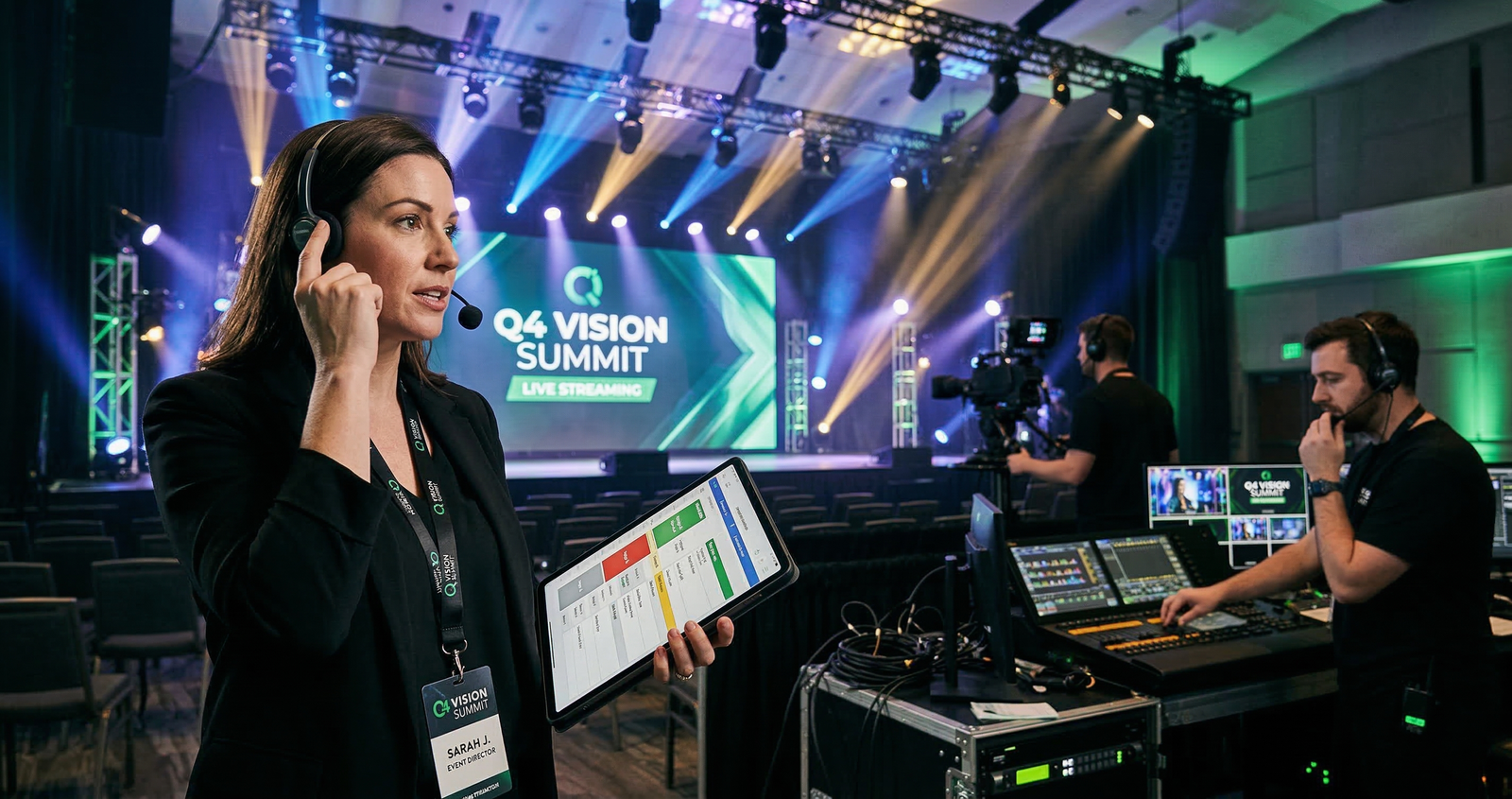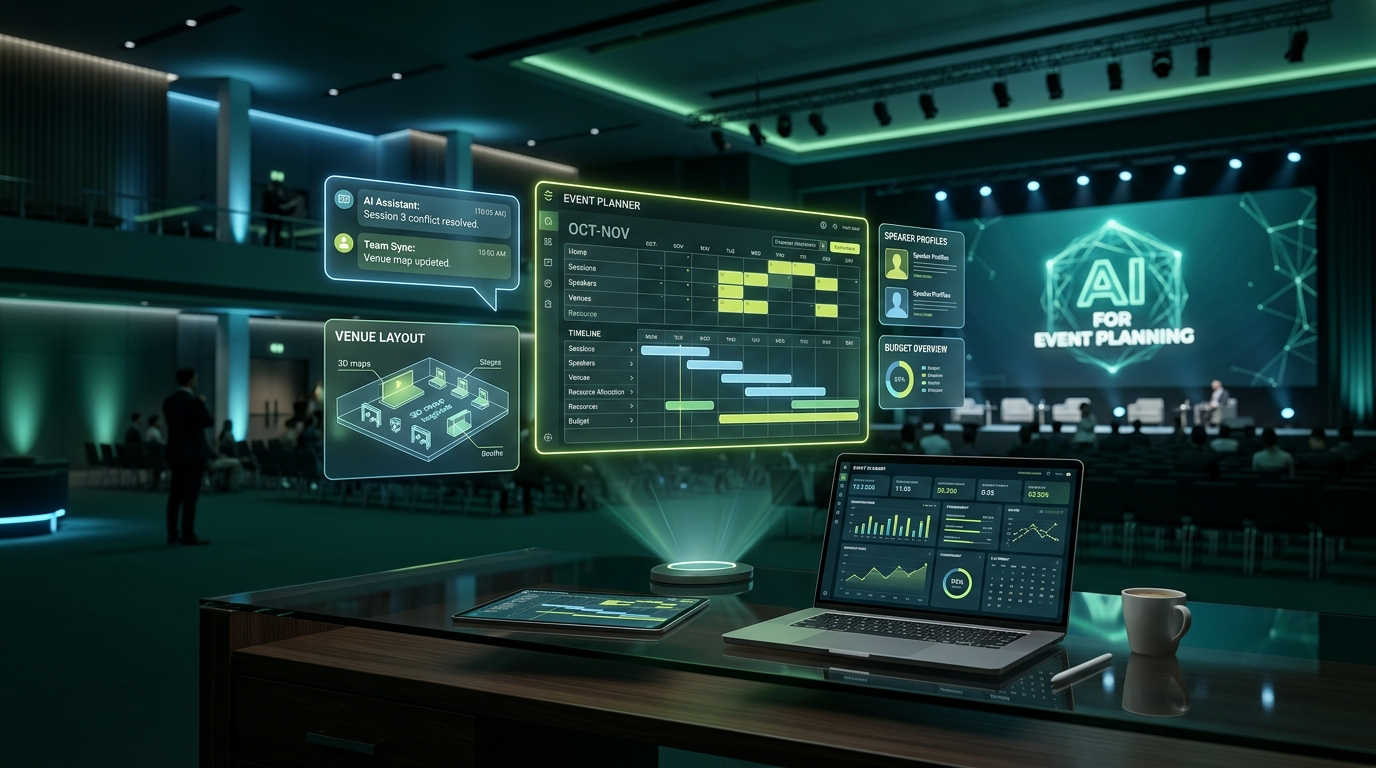
The best AI tools for event planners in 2026 save hours of manual work by automating scheduling, personalising attendee experiences, and turning post-event data into clear action items. Whether you are managing a 50-person corporate offsite or a 5,000-person trade expo, there is now a purpose-built AI layer for almost every stage of your workflow.
This is not a generic roundup. Every tool below has been evaluated on real event planning use cases, and pricing is current as of Q1 2026.
Why Event Planners Are Adopting AI Faster in 2026
Event planning remains one of the most coordination-heavy jobs in any industry. A single corporate conference can involve 40-plus vendors, hundreds of attendee communications, real-time logistics decisions, and post-event reports that take days to compile.
AI tools do not replace the planner. They compress the time required for repetitive, data-heavy tasks so planners can focus on creative direction, client relationships, and on-floor problem solving.
Category 1: AI for Event Planning and Operations
Cvent
Cvent is the most feature-complete event management platform available in 2026. Its AI layer handles venue sourcing suggestions, contract benchmarking, and automated attendee communication sequences.
Best use case: Use Cvent when you are managing large-scale corporate events (500+ attendees) that require integrated registration, hotel room blocks, and multi-session agendas.
- AI-powered venue sourcing recommends venues based on historic pricing and capacity fit
- Automated email sequences trigger based on registration milestones
- Post-event surveys are auto-analysed with sentiment scoring
Pricing: No free tier. Starts at approximately $1,500 per event for mid-market plans. Enterprise pricing is custom.
Bizzabo
Bizzabo's AI suite is built around what it calls the "Event Experience OS." Its standout AI feature is predictive attendee engagement scoring, which flags attendees likely to drop off before or during the event so planners can intervene proactively.
Best use case: Use Bizzabo for hybrid events where virtual and in-person attendee engagement must be tracked in a single dashboard.
- AI-generated session recommendations served to each attendee based on their profile
- Smart check-in with facial recognition (available in supported regions)
- Real-time NPS scoring with AI-flagged verbatim responses
Pricing: No public free tier. Pricing starts around $15,000 per year for the core platform. Custom pricing for enterprise.
Swoogo
Swoogo is a leaner alternative to Cvent and Bizzabo, with strong AI capabilities in registration logic and conditional workflows. Its rule-based automation engine lets planners build complex attendee journeys without writing code.
Best use case: Use Swoogo for association conferences and multi-track professional events where different attendee segments need different registration paths and content tracks.
- AI-assisted session builder that maps speaker availability against room capacity
- Dynamic pricing rules triggered by registration velocity
- Automated waitlist management
Pricing: Starts at $11,500 per year for unlimited events. No per-event fees. Free trial available.
Category 2: AI for Attendee Engagement and Networking
Grip
Grip is the leading AI-powered networking platform for B2B events. Its matching engine analyses attendee profiles, stated goals, and behavior during the event to recommend the most relevant connections.
Best use case: Use Grip at trade shows, summits, and investor meets where structured networking is the primary reason people attend.
- AI matchmaking generates meeting recommendations within minutes of an attendee registering
- Real-time meeting scheduler with calendar sync
- Post-event match quality reports show conversion rates from suggested meetings to actual meetings
Pricing: Pricing is custom and event-based. Starts at approximately $5,000 for events under 500 attendees. Free demo available.
Brella
Brella is a strong alternative to Grip, particularly popular in Europe and Asia-Pacific. Its AI networking engine uses an interest-tagging system that attendees fill out at registration, generating a ranked list of recommended meetings before the event starts.
Best use case: Use Brella for tech conferences, startup expos, and industry summits where attendees want to pre-schedule meetings before arriving on-site.
- Pre-event AI meeting scheduler opens 2-4 weeks before the event
- In-app meeting room system with time slot management
- Sponsor visibility tools that place sponsors in front of relevant attendees
Pricing: Starts at approximately $3,500 per event. Volume pricing for multiple events per year.
Hubilo
Hubilo combines virtual event hosting with AI-driven engagement tools. Its AI highlights reel feature automatically clips key moments from sessions, making post-event content creation significantly faster.
Best use case: Use Hubilo for virtual summits, webinar series, and hybrid events where content repurposing after the event is a priority.
- AI engagement score per attendee (based on chat activity, session time, poll responses)
- Automated highlights reel generated from session recordings
- Smart networking with AI-matched virtual breakout rooms
Pricing: Starts at $800 per event for virtual events. Hybrid and enterprise plans are custom.
Platform Comparison: Planning and Registration Tools
| Tool | Best For | AI Features | Free Tier | Starting Price |
|---|---|---|---|---|
| Cvent | Large corporate events | Venue sourcing, email automation | No | ~$1,500/event |
| Bizzabo | Hybrid events | Engagement scoring, session recommendations | No | ~$15,000/year |
| Swoogo | Association conferences | Conditional workflows, dynamic pricing | Trial only | $11,500/year |
| Hubilo | Virtual and hybrid | Highlights reel, engagement scoring | No | ~$800/event |
Platform Comparison: Networking and Engagement Tools
| Tool | Best For | AI Features | Free Demo | Starting Price |
|---|---|---|---|---|
| Grip | B2B trade shows | AI matchmaking, meeting scheduler | Yes | ~$5,000/event |
| Brella | Tech and startup events | Interest-based matching, pre-event scheduling | Yes | ~$3,500/event |
| Hubilo | Virtual networking | Smart breakout rooms, engagement score | No | ~$800/event |
Category 3: AI for Event Marketing and Content Creation
Canva AI
Canva's AI suite in 2026 includes Magic Design, Magic Write, and the AI image generator. For event planners, the most practical workflow is using Magic Design to generate event branding kits (banner sets, social cards, email headers) from a single uploaded logo or brief.
Best use case: Use Canva AI when you need a full set of event marketing assets in under two hours without a dedicated graphic designer.
- Magic Design generates complete branded asset sets from one prompt
- Magic Write drafts event announcements, speaker bios, and social captions
- Background remover and AI image tools save time on photo editing
Pricing: Free tier available with limited AI credits. Canva Pro at $150 per year includes unlimited AI features.
ChatGPT for Event Planning
ChatGPT (GPT-4o and higher) is now embedded in many event planners' daily workflows as a drafting and ideation partner. The most effective use is not asking it generic questions but feeding it specific event briefs and asking for structured outputs.
Practical prompts that work:
- "Write a 3-paragraph event description for a 200-person corporate sustainability conference. Audience is C-suite. Tone is professional but not stiff."
- "Create a run-of-show timeline for a product launch with keynote, demo station, and cocktail reception. Duration: 4 hours."
- "Draft a speaker confirmation email for [event name] that includes logistics, AV requirements, and a link to submit their bio."
Pricing: ChatGPT Free tier uses GPT-4o with usage limits. ChatGPT Plus at $20/month removes limits and adds file upload, web browsing, and image generation.
Midjourney for Event Visuals
Midjourney remains the strongest AI image generator for high-quality event visual concepts in 2026. Event planners are using it to generate venue mood boards, theme concept art, and stage design references before briefing actual vendors.
Best use case: Use Midjourney when you need to visually communicate a theme concept to a client or creative vendor before any physical work begins.
- Generate multiple visual directions for an event theme in minutes
- Produce mood board images at near-photorealistic quality
- Iterate on color palettes, lighting moods, and spatial layouts quickly
Pricing: No free tier as of 2026. Basic plan at $10/month (200 images). Standard plan at $30/month (unlimited relaxed generations).
Category 4: AI for Post-Event Analytics and Documentation
Otter.ai
Otter.ai is an AI transcription and meeting notes tool that has become standard in event planning teams. It transcribes debrief calls, vendor negotiations, and client briefings in real time, then generates a summarised action item list automatically.
Best use case: Use Otter.ai for every post-event debrief call so that action items, vendor feedback, and learnings are captured without anyone manually taking notes.
- Real-time transcription with speaker identification
- AI-generated meeting summary with action items extracted automatically
- Integrates with Zoom, Google Meet, and Microsoft Teams
Pricing: Free tier available (300 minutes/month). Otter Pro at $16.99/month. Business plan at $30/user/month.
Zapier for Automation
Zapier's AI-assisted workflow builder makes it the backbone of automated event operations for planners who work across multiple platforms.
Best use case: Use Zapier to connect your registration platform, CRM, email tool, and spreadsheet so that attendee data flows automatically without manual exports and imports.
Example automation flows for event planners:
- New registration in Cvent, add to Mailchimp list, send welcome email, create row in Google Sheets
- Form submission in Typeform triggers creation of a speaker profile in Notion and sends confirmation email
- Post-event survey completed triggers update to CRM contact record with event attendance tag
Pricing: Free tier with 100 tasks/month. Starter plan at $29.99/month (750 tasks). Professional plan at $73.50/month (2,000 tasks).
How to Build a Lean AI Stack for Your Event Business
You do not need all of these tools. The right stack depends on your event type, team size, and budget.
Lean stack (under $100/month):
- ChatGPT Plus for drafting and planning ($20/month)
- Canva Pro for design assets ($12.50/month billed annually)
- Otter.ai Pro for transcription ($16.99/month)
- Zapier Starter for automation ($29.99/month)
Full stack (event-specific platforms):
- Swoogo or Bizzabo for registration and operations
- Grip or Brella for networking
- Hubilo for virtual or hybrid streaming
- Midjourney for visual concepting
Before committing to any platform subscription, use the free trials and demos. Most enterprise tools will negotiate on pricing for first-year contracts, especially for agencies that run multiple events per year.
Plan Your Event Budget Before Choosing Tools
One of the most common mistakes event planners make when adopting AI tools is purchasing platform subscriptions before locking in the event budget. If your overall event budget does not have a clear technology allocation, tool costs can create unexpected overruns.
Use the EventSphereX Budget Calculator to allocate your technology spend as a percentage of total event cost. For most corporate events, technology and platform costs should sit between 8 and 15 percent of total event expenditure.
FAQ
Q: Which AI tool is best for small event planners with limited budgets? A: Start with ChatGPT Plus ($20/month) and Canva Pro ($12.50/month). These two tools alone can handle drafting, design, and ideation for most small to mid-size events. Add Otter.ai for meeting documentation and you have a functional AI stack under $50/month.
Q: Can AI tools replace event management software like Cvent? A: No. AI tools and event management platforms serve different functions. Cvent handles registration, payments, logistics, and data compliance. AI tools like ChatGPT or Canva handle content and creative tasks. The most effective approach is using both in parallel.
Q: Is Grip better than Brella for B2B networking? A: Grip generally performs better for large-scale trade shows (1,000+ attendees) where the volume of potential matches is high. Brella performs better for focused professional conferences (200 to 800 attendees) where pre-event scheduling is more important than real-time matching.
Q: How do event planners use AI tools for proposals? A: Use ChatGPT to draft the narrative sections (event concept, objectives, audience profile, activity flow). Then use Canva AI to design the visual layout. For the financial section, use the EventSphereX Proposal Generator which formats budget breakdowns and scope sections in a client-ready format.
Q: Are there free AI tools specifically built for event planning? A: Grip, Brella, and Swoogo all offer free demos but no permanent free tiers. For genuinely free AI usage, ChatGPT Free, Canva Free, and Otter.ai Free provide limited but usable access. Zapier's free tier (100 tasks/month) is useful for testing automations before committing.
Q: Will platform-native AI eventually replace standalone tools like Grip? A: Probably not in the near term. Platform-native AI tends to be generalist. Standalone networking tools like Grip are trained specifically on B2B meeting behavior and produce better match quality. Expect continued coexistence for at least 2 to 3 more years.