Your exhibition stand graphics have exactly 5 seconds to stop a visitor walking past your booth. Research from the Center for Exhibition Industry Research (CEIR) confirms that trade show attendees make a stay-or-go decision within 3 to 5 seconds of visual contact. That means your signage is not decoration - it is your single most important conversion tool on the show floor.
This guide covers everything from file specifications and printing methods to placement strategy and cost optimization, so your graphics work as hard as your sales team.
The 5-Second Rule: Why Graphics Decide Your Booth's Success
The average exhibition hall has 200 to 500 exhibitors. A visitor walking the floor at normal pace covers roughly 1.2 metres per second. Your booth frontage of 3 to 6 metres gives you approximately 3 to 5 seconds of visual contact before they pass.
In those 5 seconds, your graphics must accomplish three things:
- Identify - Who are you? (Logo and brand name visible from 5+ metres)
- Communicate - What do you do? (One clear value proposition)
- Invite - Why should I stop? (A reason to engage)
If your graphics try to do more than this - product specs, company history, team photos - you have already lost. The rest of the detail lives in your brochures, screens, and conversations.
The benchmark: Freeman Research found that booths with clear, high-contrast header signage received 42% more foot traffic than booths with cluttered or text-heavy graphics.
Types of Exhibition Graphics
Not all graphics serve the same purpose. Here is a breakdown of every type you will encounter on a modern exhibition floor.
1. Backlit Graphics (Lightbox Panels)
Fabric or film panels illuminated from behind with LED strips. These are the premium standard for major trade shows in 2026.
- Best for: Header walls, feature walls, product showcases
- Material: Backlit polyester fabric or backlit film
- Impact: 60 to 70% higher visual recall than non-backlit panels (EventTrack 2025 data)
- Cost range: $25 to $50 per sqft (INR 200 to 400 per sqft) for fabric; lightbox frames add $15 to $30 per sqft
2. Non-Backlit Fabric Graphics
Dye-sublimation printed fabric stretched over aluminium frames. The workhorse of modular booth systems.
- Best for: Side walls, partition panels, reusable booth systems
- Material: Polyester knit fabric (typically 220 to 260 GSM)
- Advantage: Machine washable, wrinkle-resistant, lightweight for shipping
- Cost range: $12 to $25 per sqft (INR 100 to 200 per sqft)
3. Vinyl and Flex Graphics
Traditional printed vinyl mounted on boards or stretched on frames. Still widely used in India and Southeast Asia.
- Best for: Budget builds, outdoor signage, one-time events
- Material: PVC flex (frontlit or backlit), self-adhesive vinyl
- Limitation: Not reusable across multiple shows; prone to creasing
- Cost range: $5 to $15 per sqft (INR 40 to 120 per sqft)
4. Acrylic and Dimensional Signage
Laser-cut or CNC-routed letters and logos mounted on walls or hung from structures. Adds depth and premium feel.
- Best for: Logo walls, product names, directional signage
- Material: Acrylic (clear or coloured), PVC foam board, MDF with laminate
- Cost range: $30 to $80 per sqft (INR 250 to 650 per sqft) depending on thickness and finish
5. LED-Integrated Graphics
LED video walls, transparent LED mesh, or LED strip outlines integrated with printed graphics. The fastest-growing category.
- Best for: Hero walls, product launches, immersive experiences
- Resolution: P2.5 to P3.9 for close viewing; P4.8 to P6 for distance
- Cost range: Rental at $8 to $20 per sqft per day (INR 65 to 160 per sqft per day)
6. Floor Graphics
Printed vinyl or carpet graphics applied to the booth floor. Underused but highly effective for wayfinding and branding.
- Best for: Booth entry zones, product zones, directional flow
- Material: Anti-slip laminated vinyl or custom-printed carpet
- Cost range: $8 to $18 per sqft (INR 65 to 150 per sqft)
File Specifications by Print Type
Getting file specs wrong is the single most common reason graphics look bad on site. Here is what every printer needs from you.
| Print Type | Resolution (DPI) | Colour Mode | Bleed | File Format | Max File Size |
|---|---|---|---|---|---|
| Backlit fabric (dye-sub) | 150 DPI at full size | CMYK (Fogra39 or GRACoL) | 50mm all sides | TIFF or PDF/X-4 | No limit |
| Non-backlit fabric | 150 DPI at full size | CMYK | 50mm all sides | TIFF or PDF/X-4 | No limit |
| Vinyl/Flex (solvent) | 72-100 DPI at full size | CMYK | 25mm all sides | TIFF, PDF, or EPS | 2GB typical |
| UV flatbed (rigid) | 300-600 DPI at full size | CMYK + White | 3mm all sides | TIFF or PDF | Varies |
| Acrylic cut files | Vector only | Pantone or CMYK | N/A (cut line separate) | AI or EPS | N/A |
| LED screen content | 1920x1080 or native res | RGB (sRGB) | None | MP4, MOV, or PNG sequence | Per player |
| Floor graphics | 150 DPI at full size | CMYK | 25mm all sides | TIFF or PDF | No limit |
Critical notes:
- Never supply RGB files for print. Colours will shift, especially reds and blues.
- Always embed fonts or convert to outlines. Missing fonts cause delays.
- Supply a separate vector file for any die-cut or contour-cut elements.
- For backlit graphics, increase brightness by 15 to 20% in your design file - backlighting washes out colour.
Printing Methods Comparison
Choosing the right printing method affects quality, durability, turnaround, and cost. Here is how the major methods compare.
| Method | Best For | Quality | Durability | Turnaround | Cost Level |
|---|---|---|---|---|---|
| Dye-sublimation (fabric) | Fabric graphics, backlit panels | Excellent - vibrant, no pixelation | 5+ years if stored properly | 3-5 working days | Medium-High |
| Solvent/Eco-solvent (flex) | Vinyl banners, flex boards | Good - visible dot pattern up close | 2-3 years outdoor | 1-2 working days | Low-Medium |
| UV flatbed | Rigid boards, acrylic, wood | Excellent - sharp detail on any substrate | 3-5 years indoor | 2-4 working days | High |
| Latex printing | Fabric and vinyl, eco-friendly | Very good - odourless output | 3-5 years | 2-3 working days | Medium |
| Screen printing | Bulk identical items, flat colours | Excellent for spot colour | 5+ years | 5-7 working days | Low (at volume) |
| Direct-to-garment style | Fabric drops, soft signage | Good - best for photographic images | 2-3 years | 2-3 working days | Medium |
Pro tip: For exhibitions where you need graphics ready in under 48 hours, solvent printing on flex or vinyl is your only reliable option. Dye-sublimation fabric typically needs 3 to 5 days including finishing.
Cost Comparison by Material and Size
Real-world pricing for common exhibition graphic sizes (prices as of Q1 2026, sourced from vendor quotes across the US, Europe, and India).
| Graphic Type | 3m x 2.5m (Standard Back Wall) | 6m x 3m (Large Feature Wall) | 1m x 2m (Roll-Up Banner) |
|---|---|---|---|
| Backlit fabric (dye-sub) | $375-625 / INR 31K-52K | $900-1,500 / INR 75K-1.25L | $80-120 / INR 6.5K-10K |
| Non-backlit fabric | $225-375 / INR 19K-31K | $540-900 / INR 45K-75K | $50-80 / INR 4K-6.5K |
| Vinyl flex | $110-190 / INR 9K-16K | $270-450 / INR 22K-37K | $25-40 / INR 2K-3.3K |
| UV print on foam board | $300-500 / INR 25K-42K | $720-1,200 / INR 60K-1L | N/A |
| Acrylic 3D letters (logo) | $200-400 / INR 17K-33K | $450-900 / INR 37K-75K | N/A |
Note: Prices exclude frames, lightboxes, and installation. Lightbox frames typically add 40 to 60% to backlit graphic costs. Indian pricing is generally 30 to 50% lower than US/Europe equivalents for comparable quality.
Design Rules That Increase Booth Engagement
These are not aesthetic preferences. They are tested rules backed by visitor behaviour data.
Font Size Minimums by Viewing Distance
| Viewing Distance | Minimum Font Height | Use Case |
|---|---|---|
| 10+ metres (across the aisle) | 150mm+ (6 inches+) | Company name, main headline |
| 5-10 metres (approaching) | 75-150mm (3-6 inches) | Tagline, product category |
| 2-5 metres (at booth edge) | 25-75mm (1-3 inches) | Product names, key benefits |
| Under 2 metres (inside booth) | 12-25mm (0.5-1 inch) | Detailed specs, descriptions |
The Messaging Hierarchy
Structure your booth graphics in three tiers:
-
Tier 1 - The Hook (visible from 10m): Company name + one-line value proposition. Maximum 7 words. Example: "Faster Packaging. Zero Waste." Not: "Leading Provider of Integrated Packaging Solutions for the Global FMCG Industry Since 1998."
-
Tier 2 - The Story (visible from 3-5m): Product categories or key differentiators. Use icons with minimal text. Three to four items maximum.
-
Tier 3 - The Detail (visible under 2m): Product specs, QR codes, contact info, demo descriptions. This is where complexity belongs.
Contrast and Readability
- Dark text on light backgrounds is 18 to 25% more readable under exhibition hall lighting than light text on dark backgrounds (Signage Research Foundation, 2024)
- Exception: Backlit graphics perform better with light text on dark backgrounds because the backlighting provides the contrast
- Never use more than 3 colours in your primary signage palette
- Avoid thin serif fonts below 50mm height - they disappear at distance
White Space
The most common amateur mistake is filling every centimetre of graphic space with content. Research from the International Sign Association shows that signage with 40% or more white space has 23% higher message recall than fully filled graphics.
7 Common Design Mistakes That Kill Booth Impact
| Mistake | Impact | Fix |
|---|---|---|
| Too much text on header graphics | 65% of visitors skip text-heavy booths entirely | Maximum 7 words on primary signage |
| Low-resolution images | Pixelated graphics signal low-quality brand | 150 DPI minimum at print size |
| RGB files sent to printer | Colours shift - reds look orange, blues look purple | Always supply CMYK with correct profile |
| No visual hierarchy | Visitors do not know where to look first | Size and position guide the eye - biggest element first |
| Using company org chart as booth layout | Nobody at a trade show cares about your divisions | Lead with customer problems and solutions |
| Ignoring lighting interaction | Graphics look 30-40% darker under standard hall lighting | Test print a sample, boost brightness 10-15% |
| Inconsistent branding across graphics | Undermines trust and recognition | Use one brand guide file for all graphics - same fonts, colours, logo placement |
Signage Placement Strategy: What Goes Where
A well-planned booth uses graphics strategically based on viewing angles and visitor flow.
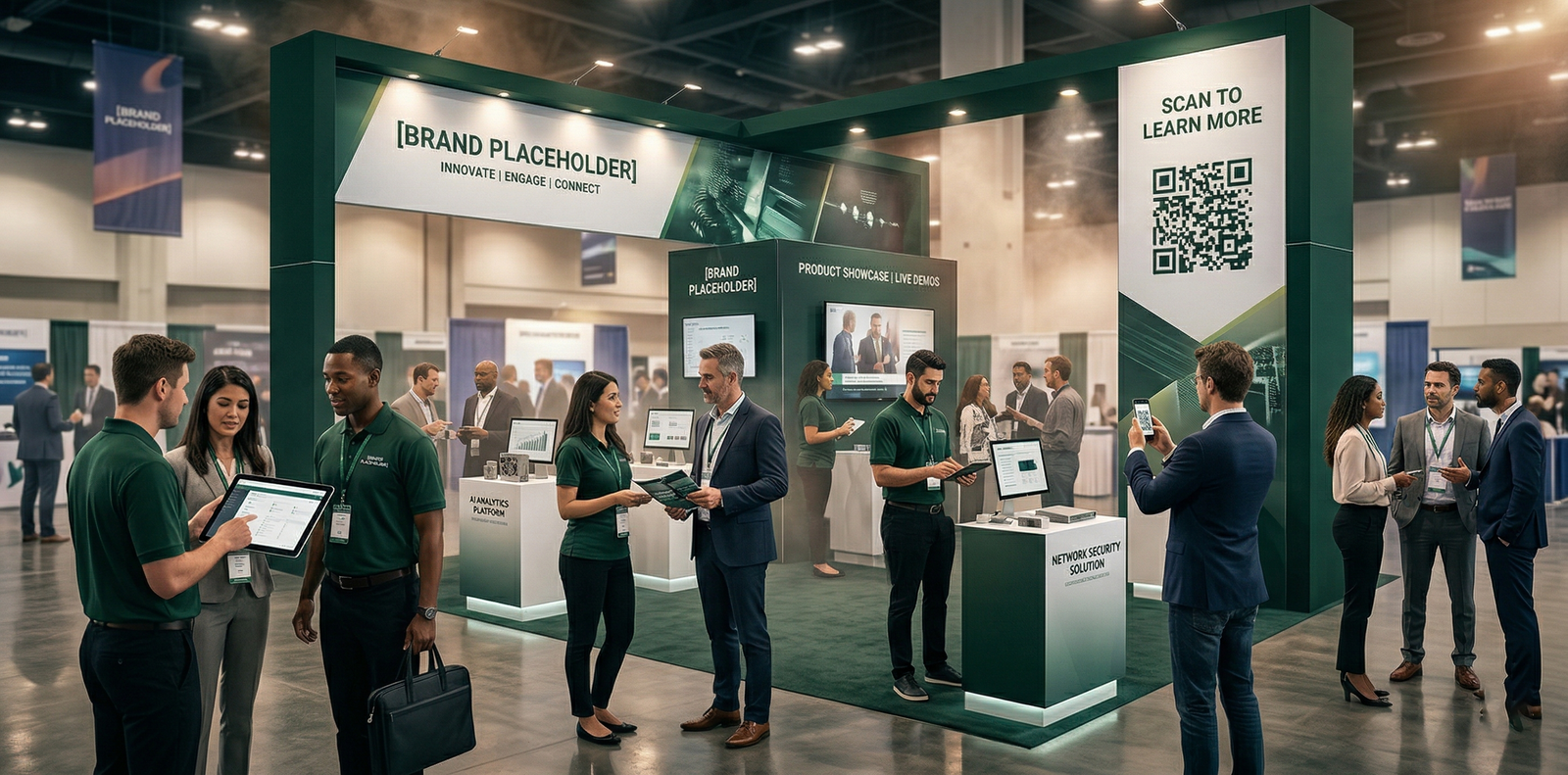
Header / Fascia (Top of Booth)
- Height: Typically 2.5m to 4m above floor level
- Content: Company name, logo, one tagline
- Specification: Minimum 150mm letter height; high contrast
- Purpose: Identification from across the hall
Back Wall (Primary Feature Wall)
- Content: Hero image, key message, product showcase
- Specification: Full-bleed graphic, ideally backlit
- Purpose: The anchor visual that draws visitors in
- Common sizes: 3m x 2.5m (standard), 6m x 3m (island)
Side Walls
- Content: Product categories, secondary messaging, testimonials
- Specification: Can be non-backlit fabric; modular panels work well
- Purpose: Guide visitors through a content journey
Counter and Reception Graphics
- Content: Logo, "Welcome" messaging, QR code for lead capture
- Specification: Wrap-around vinyl or fabric on counter structure
- Purpose: First human touchpoint
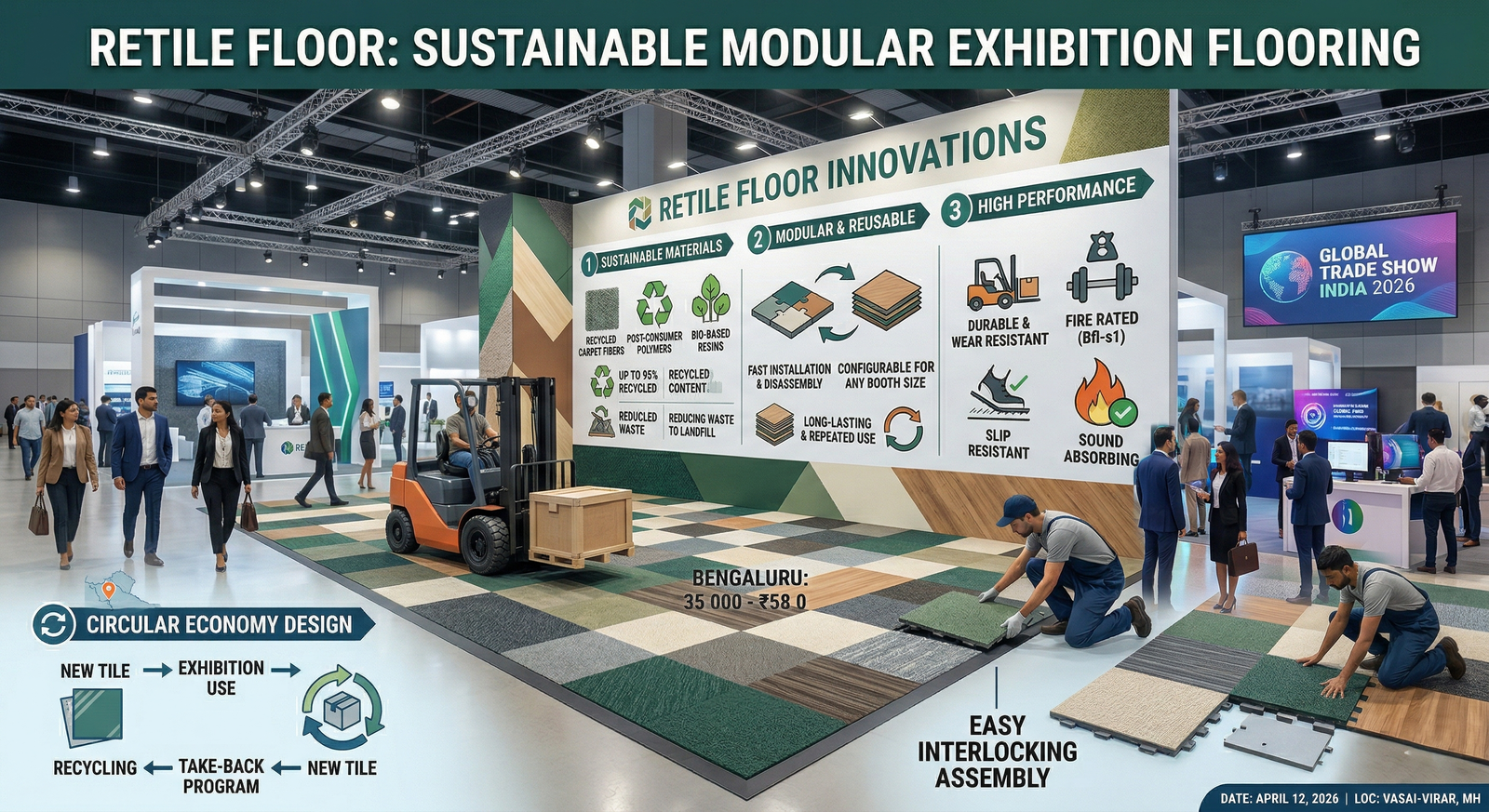
Floor Graphics
- Content: Directional arrows, brand pattern, product zones
- Specification: Anti-slip laminated vinyl, 150 DPI minimum
- Purpose: Wayfinding and zone definition
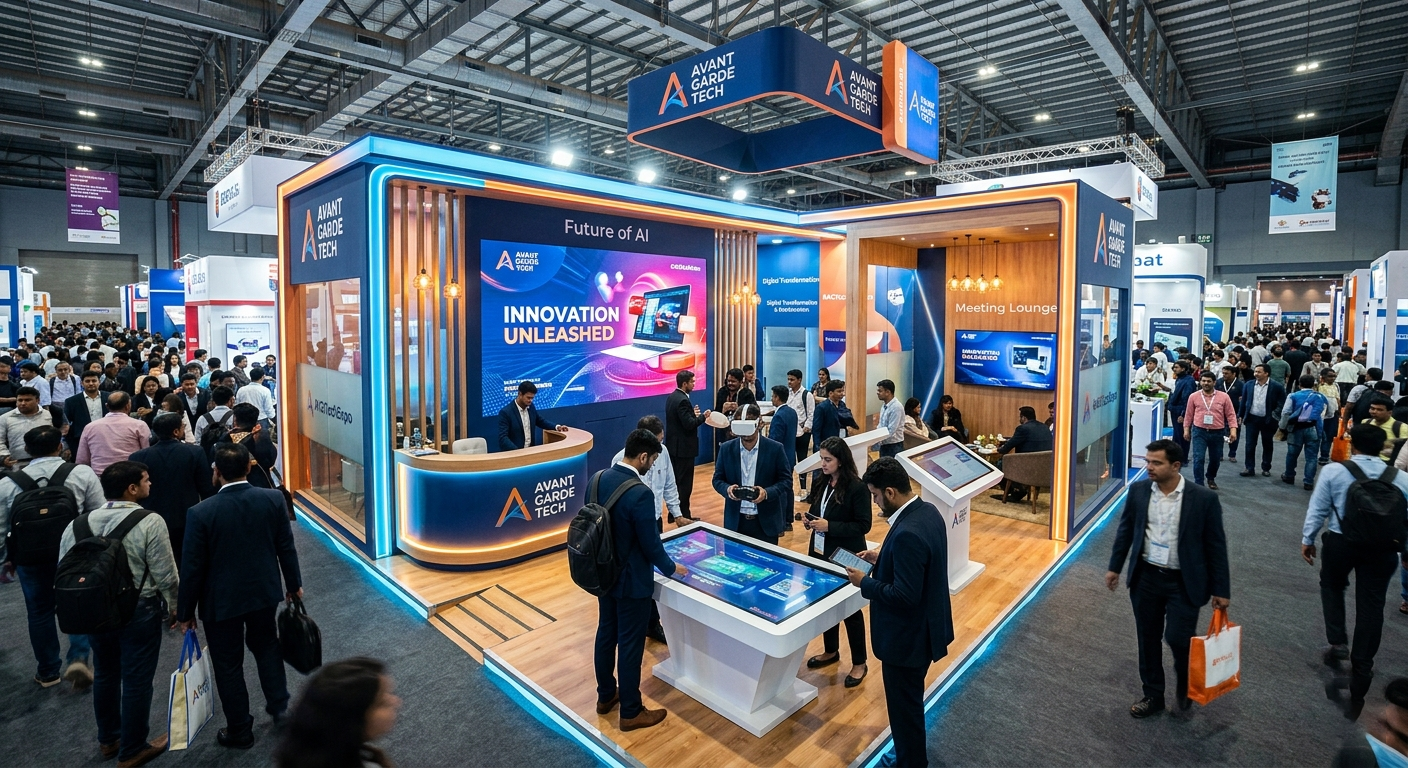
Hanging Banners (If Allowed)
- Content: Company name and logo only
- Specification: Fabric, double-sided print, internally lit if possible
- Purpose: Visibility from anywhere in the hall
- Note: Hanging structures require separate rigging approval from the venue - apply at least 30 days before the show
Reusable vs Single-Use Graphics: The ROI Math
One of the biggest cost decisions exhibitors face is whether to invest in reusable systems or print fresh for each show.
Single-Use Approach (Vinyl/Flex)
- Cost per show: $500-2,000 for a 9 sqm booth
- 3-show total: $1,500-6,000
- Pros: Cheap per unit, fast turnaround, easy to update messaging
- Cons: Waste, inconsistent quality, no premium feel
Reusable Approach (Dye-Sub Fabric + Modular Frames)
- Upfront cost: $2,000-5,000 for frames + first set of graphics
- Replacement graphics: $300-800 per show
- 3-show total: $2,600-7,400
- Pros: Premium look, consistent quality, environmentally responsible, machine washable
- Cons: Higher upfront investment, needs careful storage
The Break-Even Point
For exhibitors attending 3 or more shows per year, reusable fabric systems break even by the third show and save 25 to 40% over a 2-year cycle. The quality difference is visible from across the hall.
Planning your exhibition budget? Use the EventSphereX Budget Calculator to model single-use vs reusable graphic costs for your show schedule.
India-Specific: Vendors, Turnaround, and Practical Tips
Top Exhibition Printing Hubs in India
- Delhi NCR: Largest concentration of exhibition printers. Key areas include Okhla Industrial Area, Patparganj, and Noida Sector 63. Average turnaround: 2-5 days.
- Mumbai: Andheri East and Goregaon are the main hubs, close to BEC and Jio World Convention Centre. Average turnaround: 2-4 days.
- Bengaluru: Peenya Industrial Area for large-format printing. Growing market with BIEC driving demand.
- Chennai: Ambattur and Guindy for trade show graphics, especially for auto and manufacturing exhibitions.
Typical Turnaround Times in India
| Graphic Type | Standard | Rush (Premium Pricing) |
|---|---|---|
| Flex/vinyl banner | 1-2 days | Same day |
| Dye-sub fabric | 3-5 days | 2 days (+30-50% cost) |
| Acrylic 3D signage | 5-7 days | 3 days (+40-60% cost) |
| UV flatbed print | 3-5 days | 2 days (+25-40% cost) |
| LED screen content | 1-2 days | Same day |
Practical Tips for Indian Exhibitions
- Humidity matters: During monsoon season (June to September), vinyl graphics can bubble and peel. Use fabric or ensure proper lamination.
- Power supply: If using backlit graphics, confirm your booth's electrical allocation. Standard allocation at most Indian venues is 2 to 5 KW. Backlit walls can draw 0.5 to 1.5 KW each.
- Venue-specific rules: Pragati Maidan, BEC Mumbai, and BIEC Bengaluru each have specific rules about hanging signage, fire-retardant materials, and maximum booth height. Check the exhibitor manual before designing.
- GST implications: Printing services attract 18% GST. Factor this into your budget.
Pre-Show Graphics Checklist
Use this checklist 6 to 8 weeks before your show:
- [ ] Booth layout confirmed with organiser (exact dimensions, power points, entrance side)
- [ ] All graphic positions mapped on booth floor plan
- [ ] File specifications confirmed with printer
- [ ] Design files created in CMYK at correct DPI
- [ ] Proof prints ordered for colour-critical elements
- [ ] Backlit files brightness-adjusted (+15-20%)
- [ ] All text proofread by someone who did not write it
- [ ] Hanging structure approval submitted (if applicable)
- [ ] Shipping/delivery timeline confirmed with printer
- [ ] Backup contact for on-site graphic emergencies
Frequently Asked Questions
1. What DPI should exhibition graphics be printed at?
For large-format exhibition graphics viewed from 2 metres or more, 150 DPI at actual print size is the standard. For close-up viewing items like counter graphics or product panels, use 300 DPI. Going above these numbers increases file size without visible quality improvement.
2. Should I use fabric or vinyl for my booth graphics?
Fabric (dye-sublimation) is the better choice for any multi-show exhibitor. It is lighter, wrinkle-resistant, machine washable, and produces more vibrant colours - especially for backlit applications. Vinyl is cheaper for one-time use but looks less premium and creates waste.
3. How much text should be on my main booth graphic?
Your primary header or feature wall should contain no more than 7 words. The goal is identification and attraction, not education. Detailed information belongs on screens, brochures, or secondary graphics visible only from inside the booth.
4. What is the ideal font size for exhibition signage?
For your company name and headline visible across the aisle (10+ metres), use a minimum 150mm (6-inch) letter height. For supporting text visible at 3 to 5 metres, use 75 to 150mm. Anything below 25mm is only readable inside the booth.
5. How far in advance should I order exhibition graphics?
Order 4 to 6 weeks before the show for standard production. Rush orders (under 1 week) are possible for vinyl and flex but will cost 30 to 60% more. Fabric dye-sublimation typically requires a minimum of 5 working days.
6. Can I reuse exhibition graphics across multiple shows?
Yes, and you should. Dye-sublimation fabric graphics can last 5+ years with proper storage. Roll them (never fold), store in tubes or bags away from moisture, and wash them if they get dirty. The frames and hardware last even longer.
7. What file format should I send to my exhibition printer?
TIFF or PDF/X-4 are the safest formats. Avoid JPEG (lossy compression causes quality loss) and PNG (not industry standard for large format). Always embed fonts or convert to outlines. Include a low-res reference PDF with your print files.
8. How do backlit graphics differ from standard graphics in file preparation?
Backlit graphics need three adjustments: increase overall brightness by 15 to 20%, avoid very dark backgrounds (they become opaque and block light), and use backlit-specific ICC profiles if your printer provides them. The material itself is also different - backlit polyester has a more open weave to allow light transmission.
9. How much do exhibition graphics cost in India compared to the US or Europe?
Indian exhibition graphics are typically 30 to 50% cheaper than US or European equivalents for comparable quality. A 3m x 2.5m backlit fabric panel costs approximately INR 31,000 to 52,000 in India versus $375 to $625 in the US. However, shipping and logistics for international shows can offset this saving.
10. What are the most common reasons exhibition graphics look bad on site?
The top five reasons are: low-resolution source images, RGB colour mode instead of CMYK, ignoring the effect of exhibition hall lighting (which washes out colours by 10 to 15%), no proof print before production, and incorrect bleed causing white edges. All of these are preventable with proper file preparation.
Final Thought
Your exhibition graphics are not an afterthought or a last-minute print job. They are the first and most powerful tool in your booth's conversion strategy. Invest in the right materials, follow proven design rules, and plan your production timeline with buffer. The difference between a booth that attracts visitors and one they walk past comes down to 5 seconds of visual impact.
Need help planning your exhibition budget? Try the EventSphereX Budget Calculator to estimate costs across graphics, fabrication, AV, and logistics.
Writing your exhibitor proposal? Use the Event Proposal Generator to create a professional document for stakeholder approval.